How to Use a Teleprompter Without Looking Like You're Reading
Read a teleprompter naturally without robotic eye movement. SpeechBeat uses on-device AI to turn raw scripts into Smart Beats, then delivers them in a static Glance and Speak prompter beside the front camera.
Featured application
A teleprompter keeps your script on track until the scroll speed pulls your eyes sideways. Fixed-speed text trains you to read word by word, which breaks eye contact with the lens and throws off cadence.
When you pause or ad-lib, moving copy forces you to chase the scroll instead of setting the pace on camera.
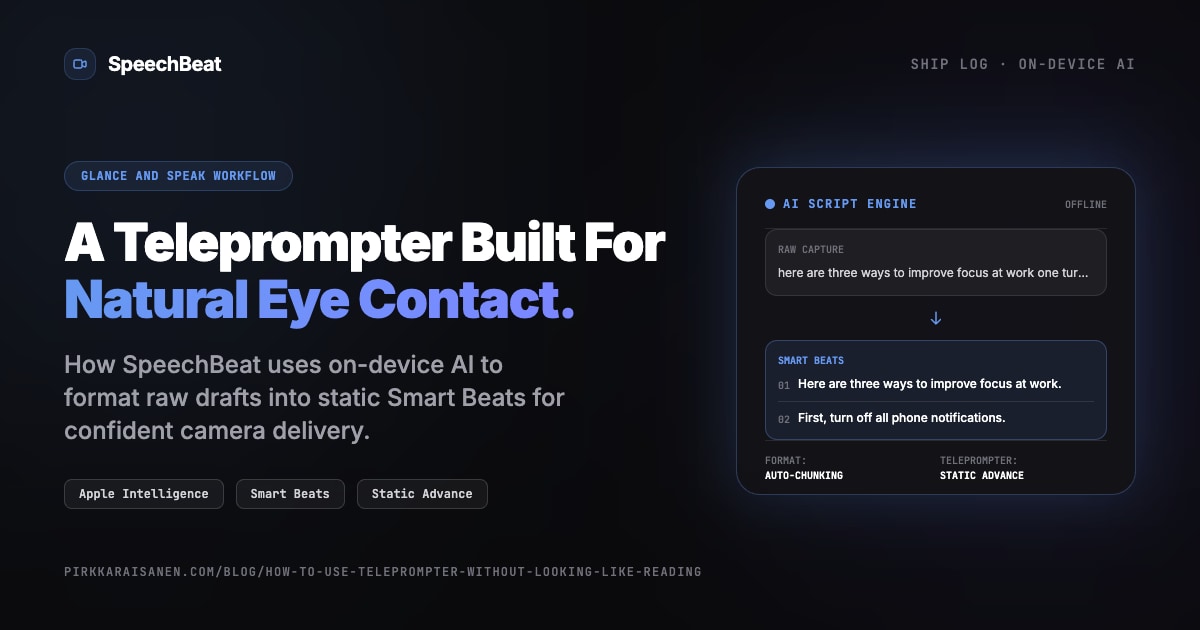
I built SpeechBeat, an iOS utility that pairs on-device AI formatting with a Glance and Speak prompter. SpeechBeat splits messy drafts into Smart Beats, holds each beat on screen until you advance it, and locks the text to the top 35% of the frame beside the front camera.
On-Device AI Meets Glance and Speak
Think of the prompter as flashcards beside the lens. Splitting a long script by hand means dozens of manual line breaks before you record.
SpeechBeat generates Smart Beats with on-device AI. Paste a long block of text, dictate a voice note, or type raw notes on the Capture screen. One tap processes the draft on your iPhone and returns short beats sized for spoken delivery.
After formatting, Smart Beat Advance runs the Record Studio. Tap record, wait through the 3-2-1 countdown, and the active beat stays fixed. Read one Smart Beat, look into the lens, say the line in your own words, then advance with on-screen controls, the volume buttons, or a Bluetooth presenter.
Offline Performance and Privacy
You record on walks, in cars, and in places where the network drops.
Smart Beat generation uses Apple Foundation Models on device on your iPhone. Turn on Airplane Mode, paste or dictate a draft, and you still get formatted beats plus titles and descriptions.
Scripts and exports stay local. SpeechBeat does not upload text drafts or finished video to a cloud backend, matching the on-device constraint filter in The Clever Framework Used to Build an On-Device App.
Free Evaluation, One Lifetime Unlock
The free tier includes Capture, on-device formatting, the teleprompter, and recording. You get 3 Camera Roll video saves to test beat advance in your own setup.
Unlimited saves unlock with a one-time lifetime purchase. No monthly fees and no mandatory account.
Conclusion
Creators search for natural eyeline because scrolling prompters fight the camera. On-device AI splits the script into Smart Beats; the static prompter keeps each beat beside the lens until you advance it.
Try SpeechBeat on the App Store, and explore the App Catalog for more native on-device tools built for creators and developers.
Sources: Foundation Models · SpeechBeat
Self-Test & FAQ
Click to reveal answerHow do I stop looking like I'm reading on a teleprompter?
Do I need a Bluetooth clicker to advance beats in SpeechBeat?
Can I still use auto-scroll if I prefer continuous text?
Does SpeechBeat require an internet connection?

Newsletter
Join the Newsletter
Technical notes on on-device AI, generative music workflows, and building native Apple software sent directly to your inbox.
Subscribe via beehiiv. See ourPrivacy Policy.