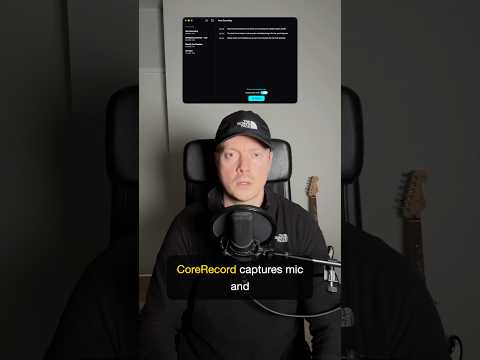
CoreRecord is a native Mac app for meeting capture. Recordings stay on your drive. Live speech-to-text runs offline through Apple’s on-device speech stack.
When you ask for an AI summary, CoreRecord routes sanitized transcript text to Apple’s Private Cloud Compute. That step runs only on explicit request. Raw audio does not leave the Mac.
Microphone capture and live transcription are free in the app. This clip closes the three-part CoreRecord short series on capture, sync, and hybrid intelligence.
Key Takeaways
- Local-first audio: Session files and recordings remain on the Mac filesystem by default.
- Offline transcription: Live speech-to-text uses Apple’s native on-device speech engine without a network hop for the transcript path shown here.
- Opt-in PCC: AI summaries use Private Cloud Compute only when you request them, not on every recording.
- No raw audio upload: Meeting audio stays on the machine; PCC work applies to transcript text for summaries.
- Free capture tier: Microphone recording and live transcription ship without a paywall on the workflow in this demo.
Read the Private Cloud Compute write-up and get CoreRecord for Mac from the product page.